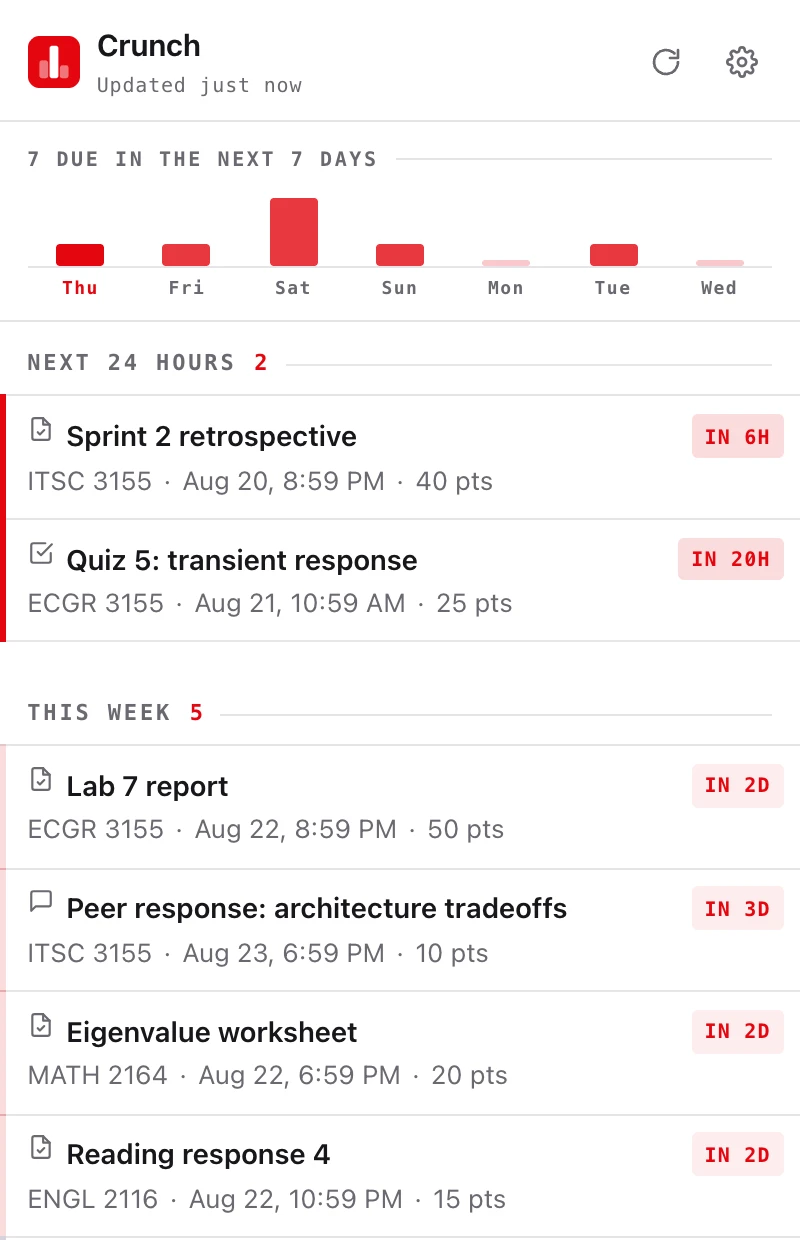

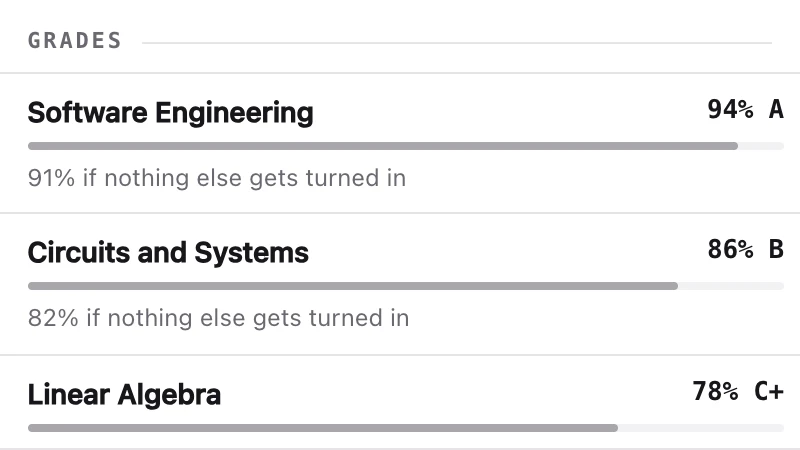
Your coursework in the toolbar, and a notification before things are due instead of after.
Coursework and grades shown here are invented, not anyone's.
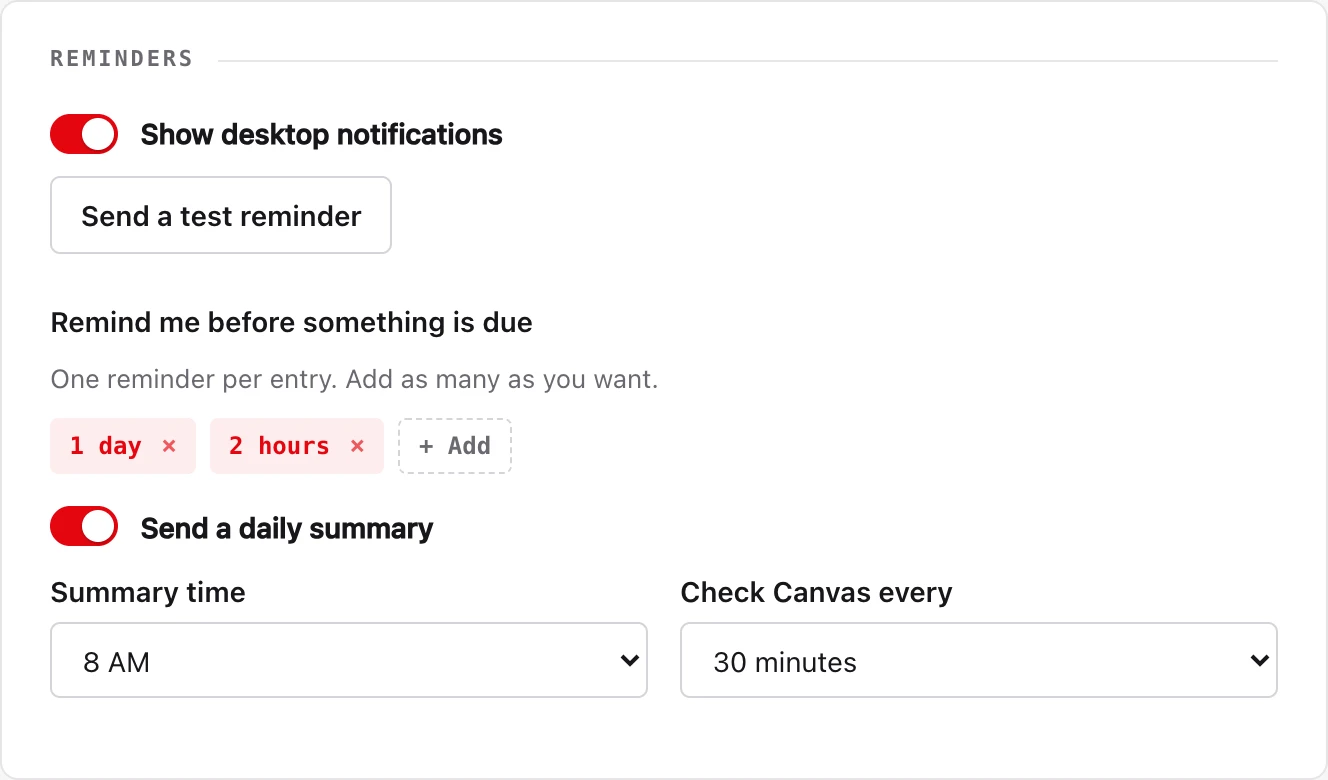
Desktop notifications ahead of a due date, at whatever warning times you pick, plus a daily summary and a badge counting what's due and what's missing.
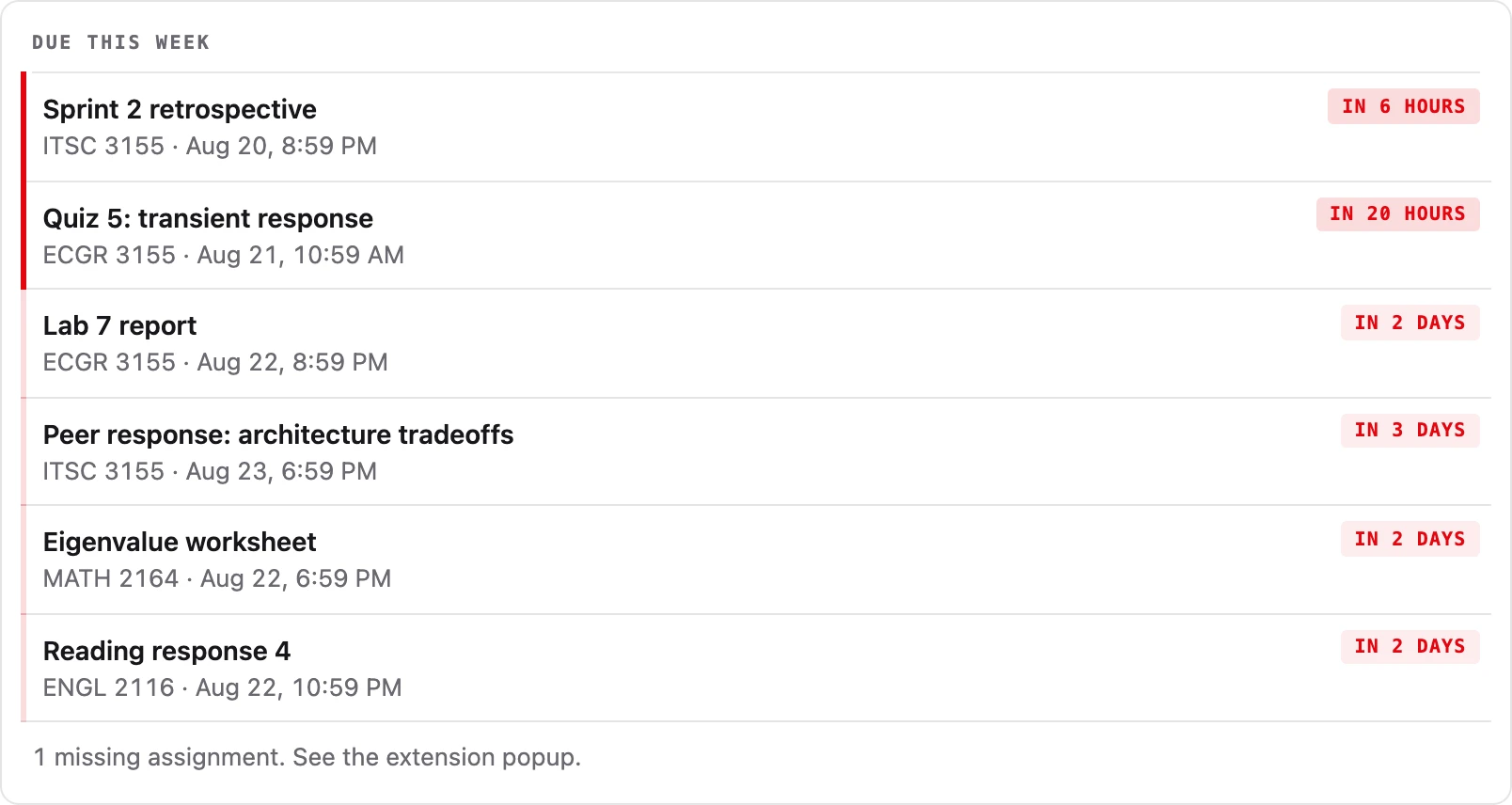
A "due this week" panel on your Canvas dashboard, and a countdown on any assignment page.
One Canvas access token, pasted the first time you open it, and the settings page links you straight to the page in Canvas that makes one. Reminders keep firing whether or not you're logged into Canvas, which is the point of a token rather than a browser session.
The extension keeps your Canvas connection on your own computer and talks to your school directly. This site never sees it, unless you press the one button in its settings that sets the Claude connector up for you, which says so before it does anything.
Free · read-only · one Canvas token for both · Works in Edge and other Chrome-based browsers too.
Already installed · nothing more to download
Rather not install anything? Set the Claude connector up on its own, no extension needed.